
Step 1
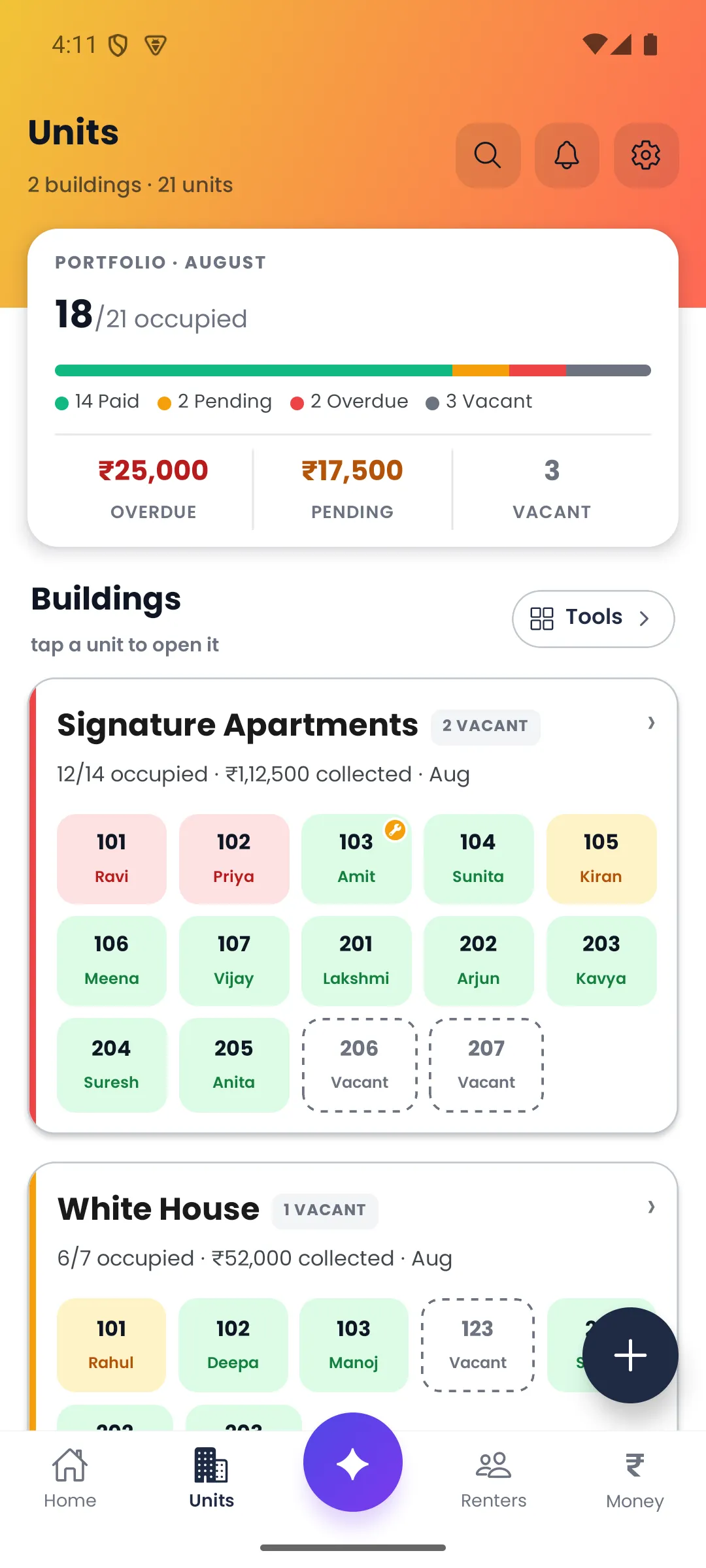
Add or import the portfolio
Create buildings and units, add renters, or bring existing records in from Excel.
How it works
Door-Let turns the portfolio you already manage into one connected operating record. Start small, then add detail when it becomes useful.
Step 1
Create buildings and units, add renters, or bring existing records in from Excel.
Step 2
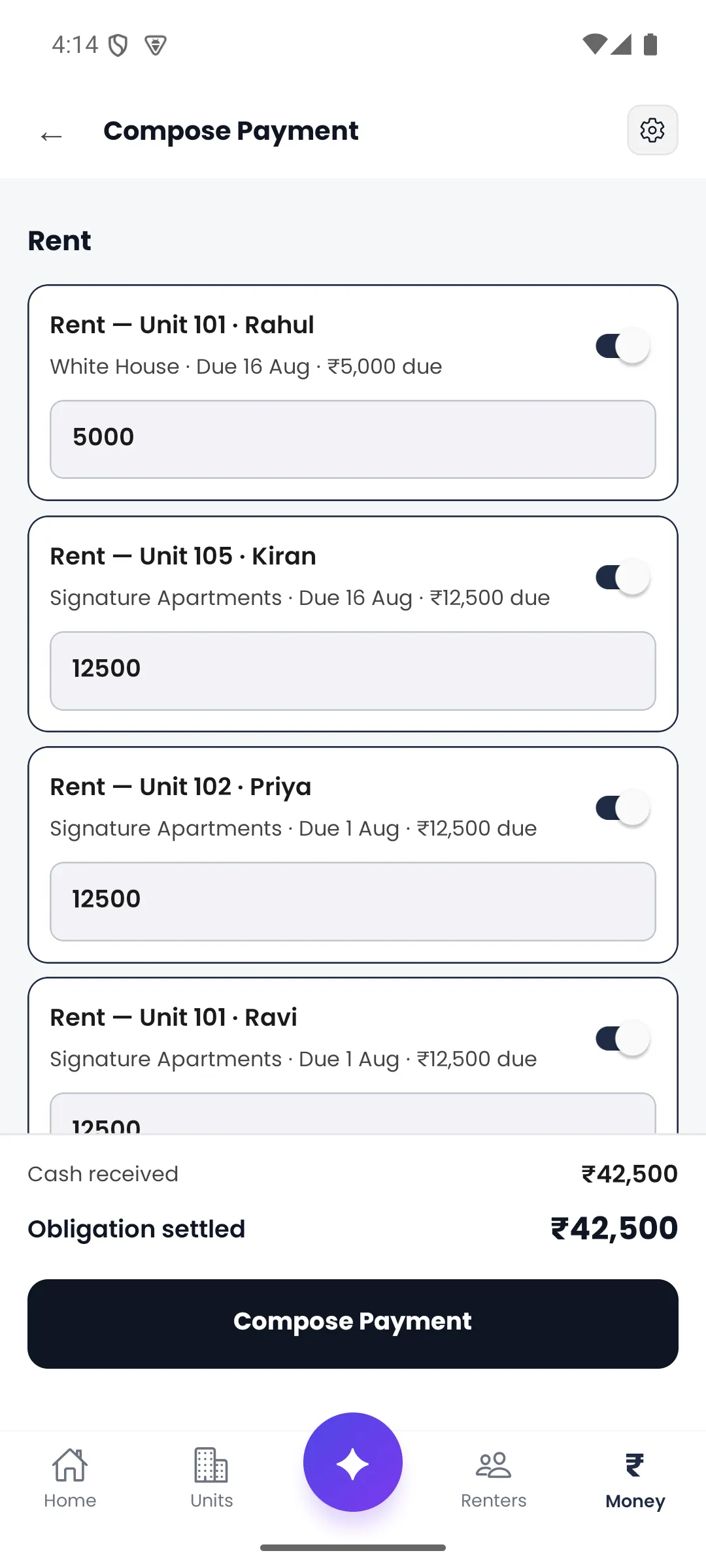
Set the amount and due day for each renter, then record full or partial payments against the charge they settle.
Step 3
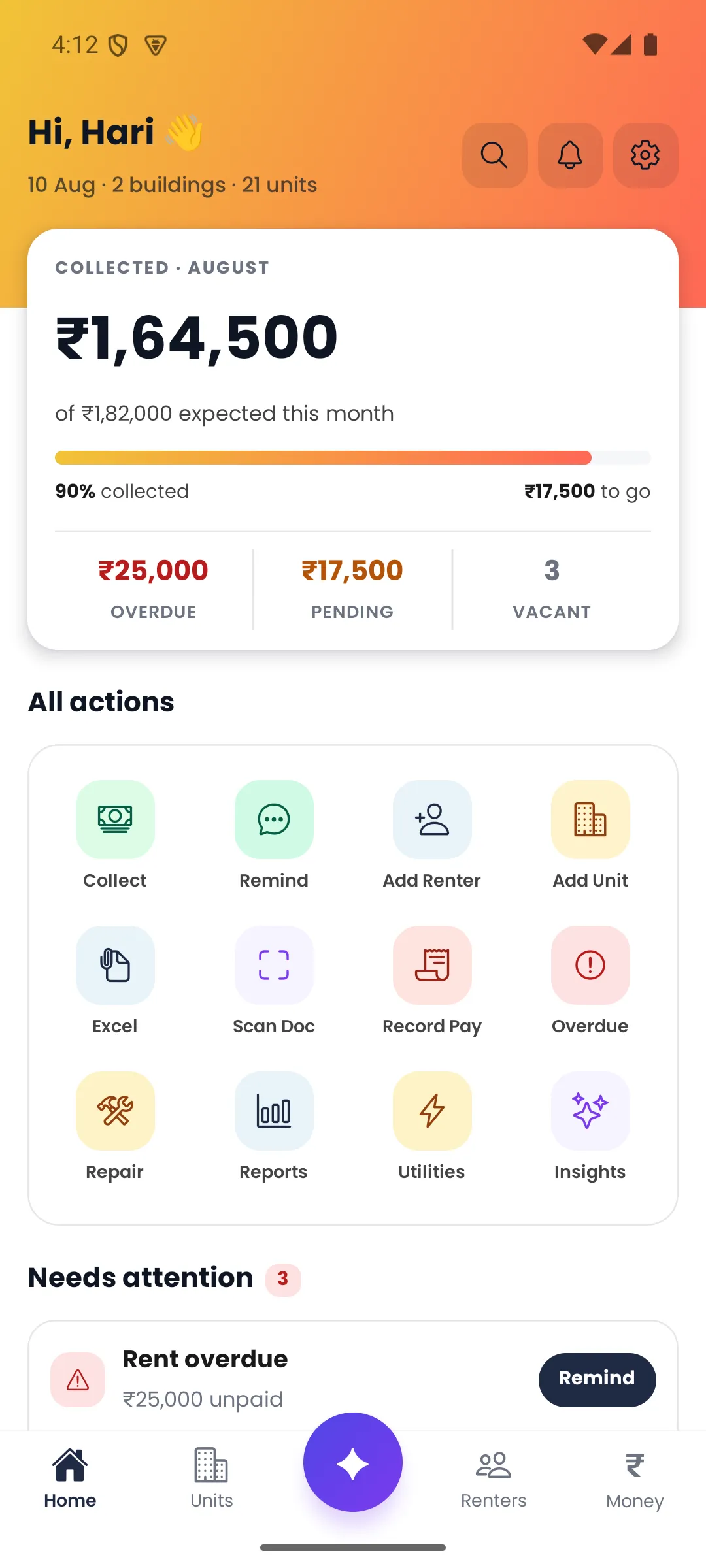
See collected against expected, what remains, who needs attention and which units are vacant.
What connected means
One recording updates the charge balance, renter status and portfolio position together. Door-Let can prepare a reminder, but the landlord reviews it before WhatsApp opens.
Ready for your portfolio
The plan finder uses your unit and current-renter counts. It does not collect contact details, and Door-Let is available from Google Play and the App Store.