
Rent and payments
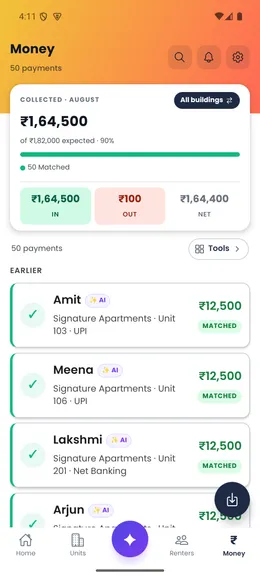
Keep each payment connected to the charge, renter and unit it belongs to, including partial payments.
Explore this workflowProduct
Payments, renters, units and follow-up stay connected, so the number you see leads back to the real record behind it.
Door-Let is available for Android on Google Play and for iPhone on the App Store. Explore the app screens here first, or install the app when you are ready.
Ready to install? Google Play ↗App Store ↗
Move through the real app
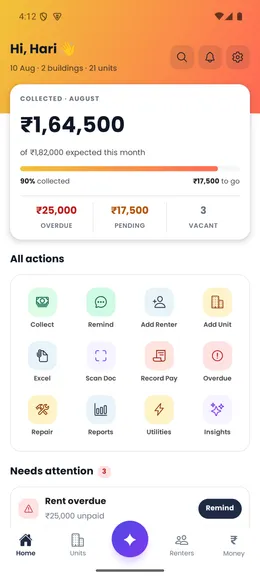
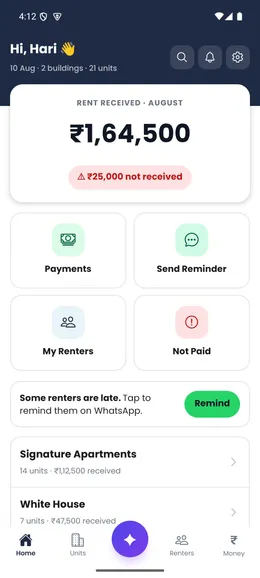
Choose the Home screen
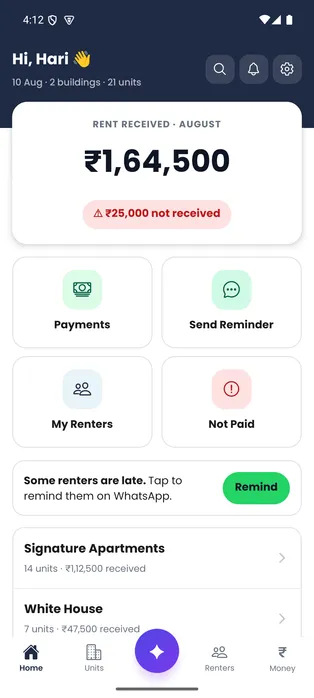
Simple starts with rent received, what is still due and the next useful action.
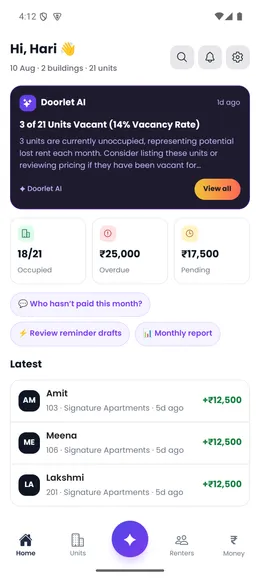
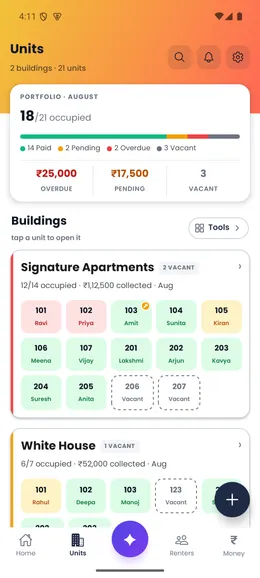
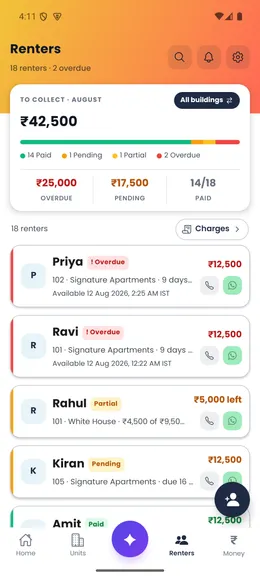
Actual app screens with fictional sample records.
Built against real rental work
Door-Let began inside the founder’s own Indian rental operation, not as a generic property template.
Product-validation facts, not external customer or traction claims. Read the founder story.
Guided product walkthrough
Choose a task to see its screen. These Android app screenshots use sample properties and renters. The preview shows the workflow without changing any real records.
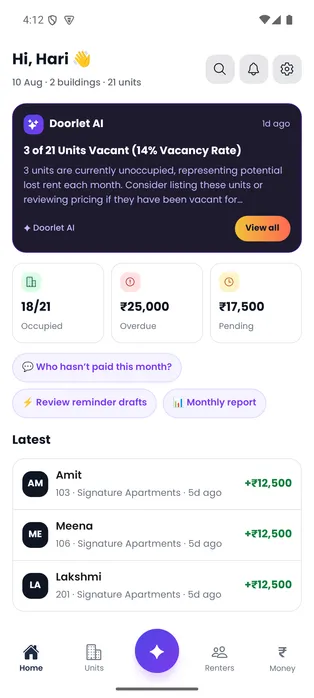
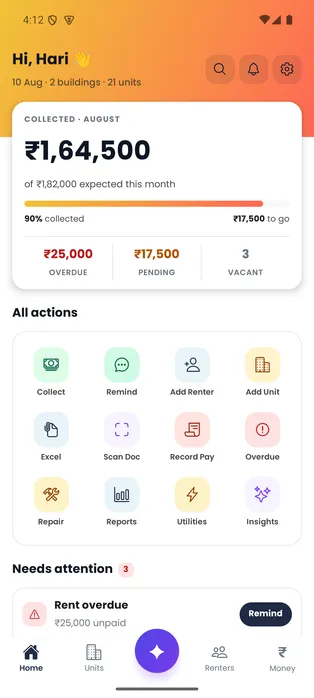
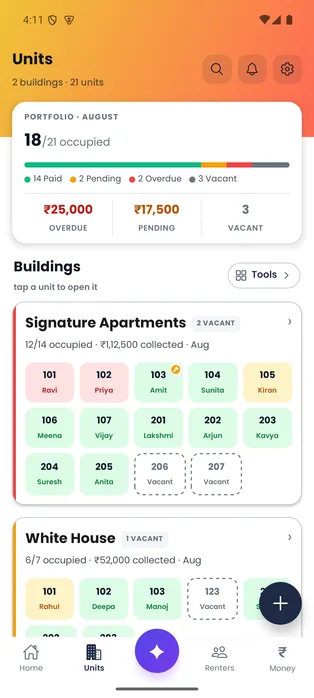
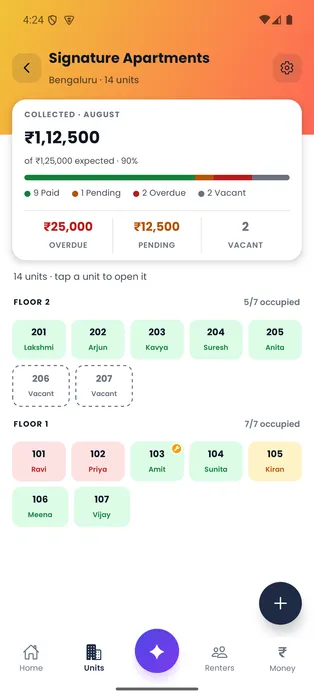
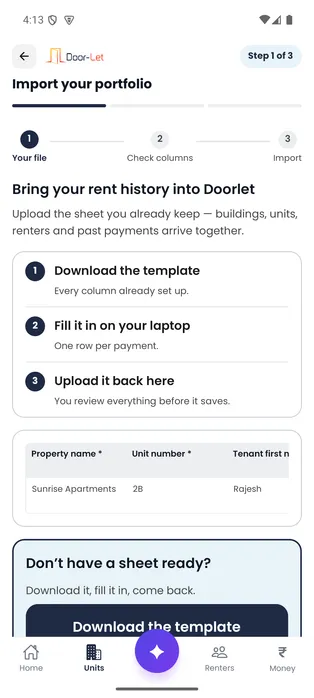
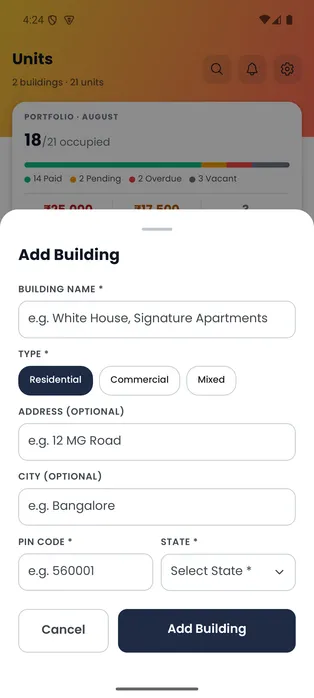
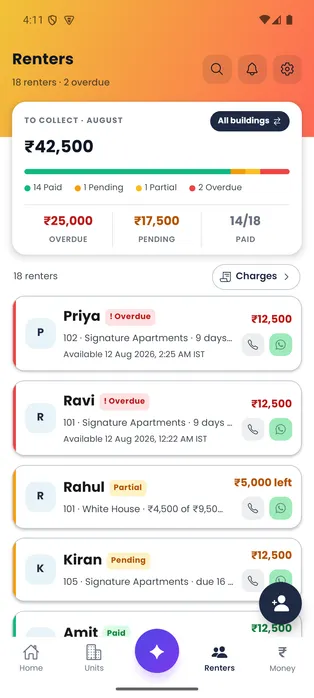
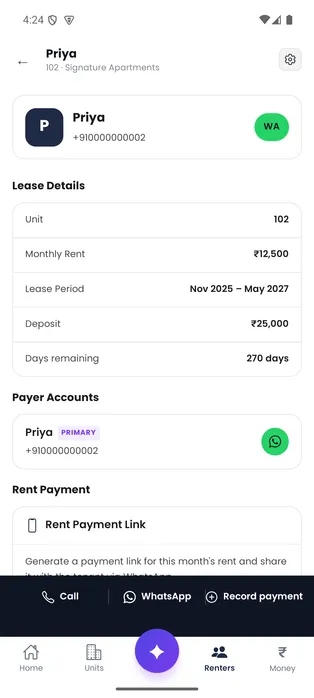
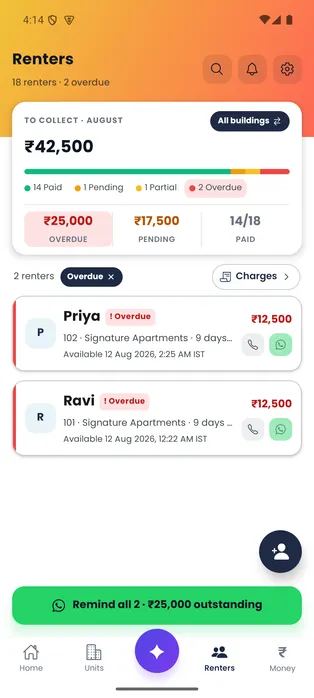
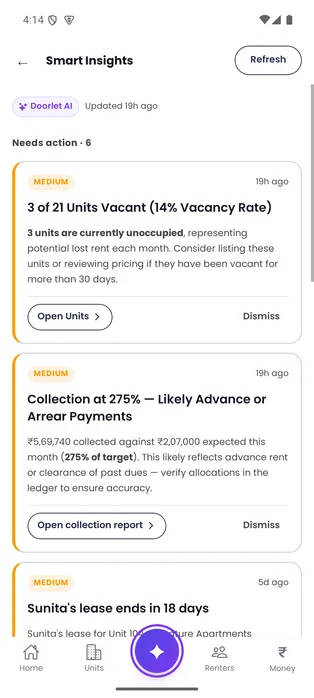
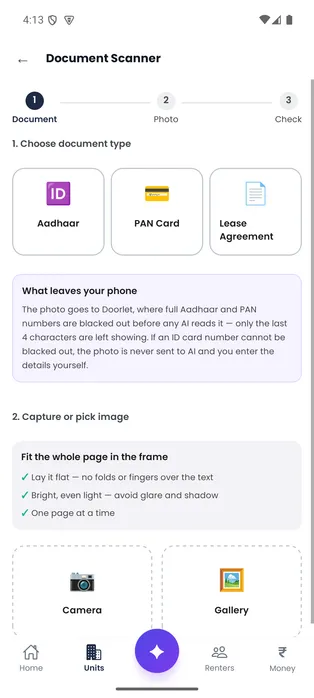
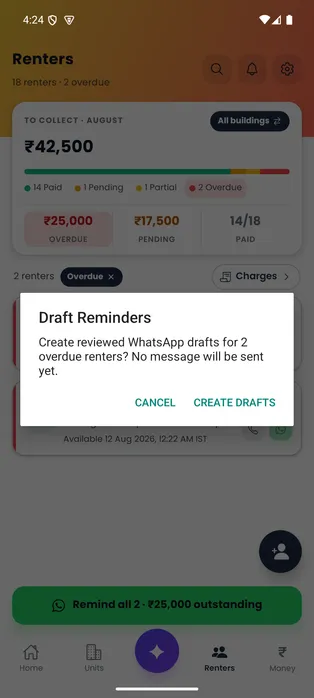
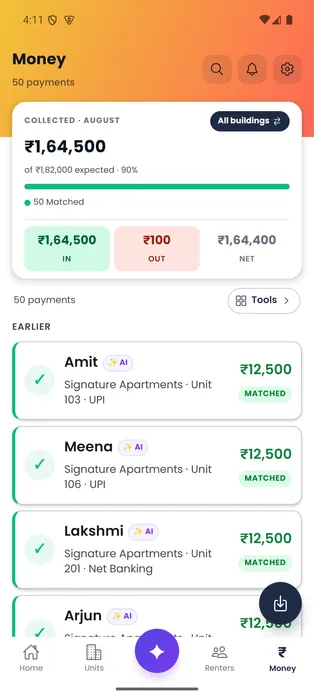
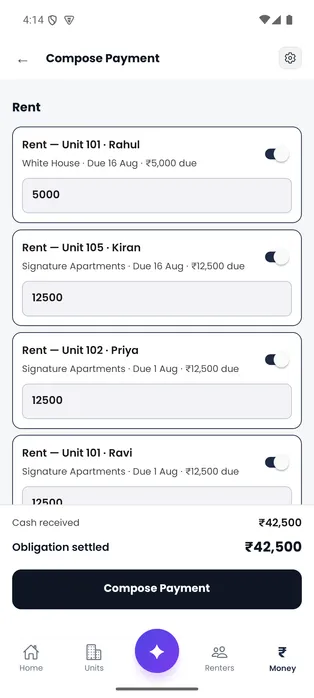
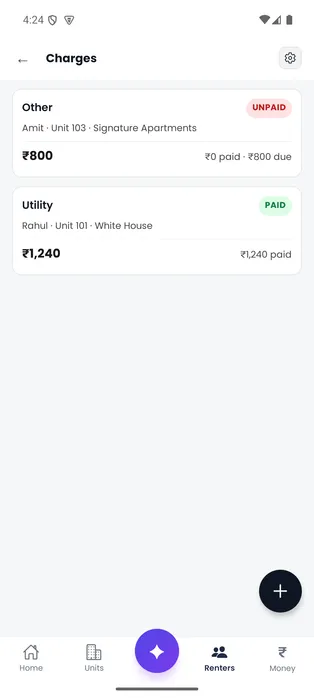
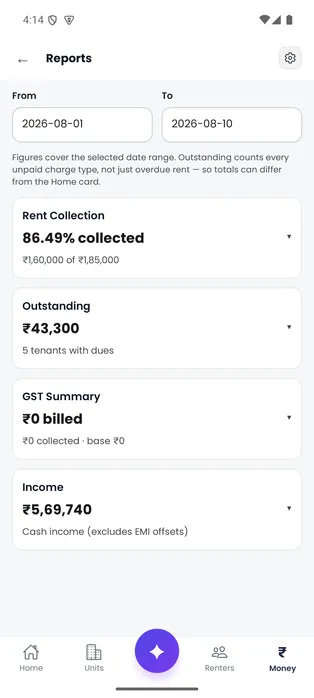
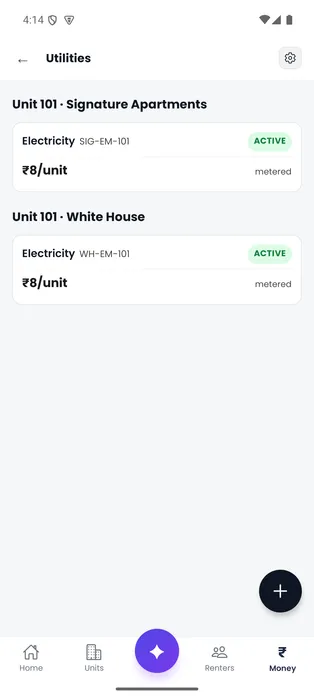
AI-first Home Important changes are explained first, with the portfolio figures immediately below.
Open full-size screen (new tab)Choose a screen, then open it full size to read the details. Install the Android or iPhone app when you are ready, or bring setup questions to the Door-Let team.
Using an iPhone? Open the App Store ↗Ask for setup help
The useful core
Start with the job you need today. The same rental record stays underneath each one.
Keep each payment connected to the charge, renter and unit it belongs to, including partial payments.
Explore this workflowSee who is paid, pending, partial or overdue without rebuilding the month from messages.
Explore this workflowMove from the portfolio total to the building and unit that needs attention.
Explore this workflowReview document handling and reminder wording before any message opens to send.
Explore this workflowOne rent cycle
A partial payment should not create three different answers in three different places.
Rent is recorded for a named unit, renter and due date.
Cash, bank and UPI payments settle against the correct charge.
The renter status and follow-up reflect only what remains.
A simple example
The renter stays marked as partially paid. Review a reminder for the remaining ₹5,000 before opening it in WhatsApp.
Follow the worked example →Useful automation, visible control
Door-Let helps with
The landlord keeps control of
Ready when you are
Need help moving your records? Ask about setup.